
How to Create Social Feed Frame Break Animations
Many times I see on social networks those animations that people often ask me about — where an image appears to break out of its own frame and interact directly with the feed itself, like a Facebook post or similar interface.
Today, I want to teach you how to create this effect. It’s pretty easy — a beginner to beginner-plus level technique.
Step 1 – Capture Your Feed
Take a screenshot of your Facebook (or any social network) feed using your phone or desktop.
Step 2 – Edit the Feed Image
Modify the account names, icons, and most importantly the image that will interact with the frame. You can start from scratch or use a template and simply replace the content.
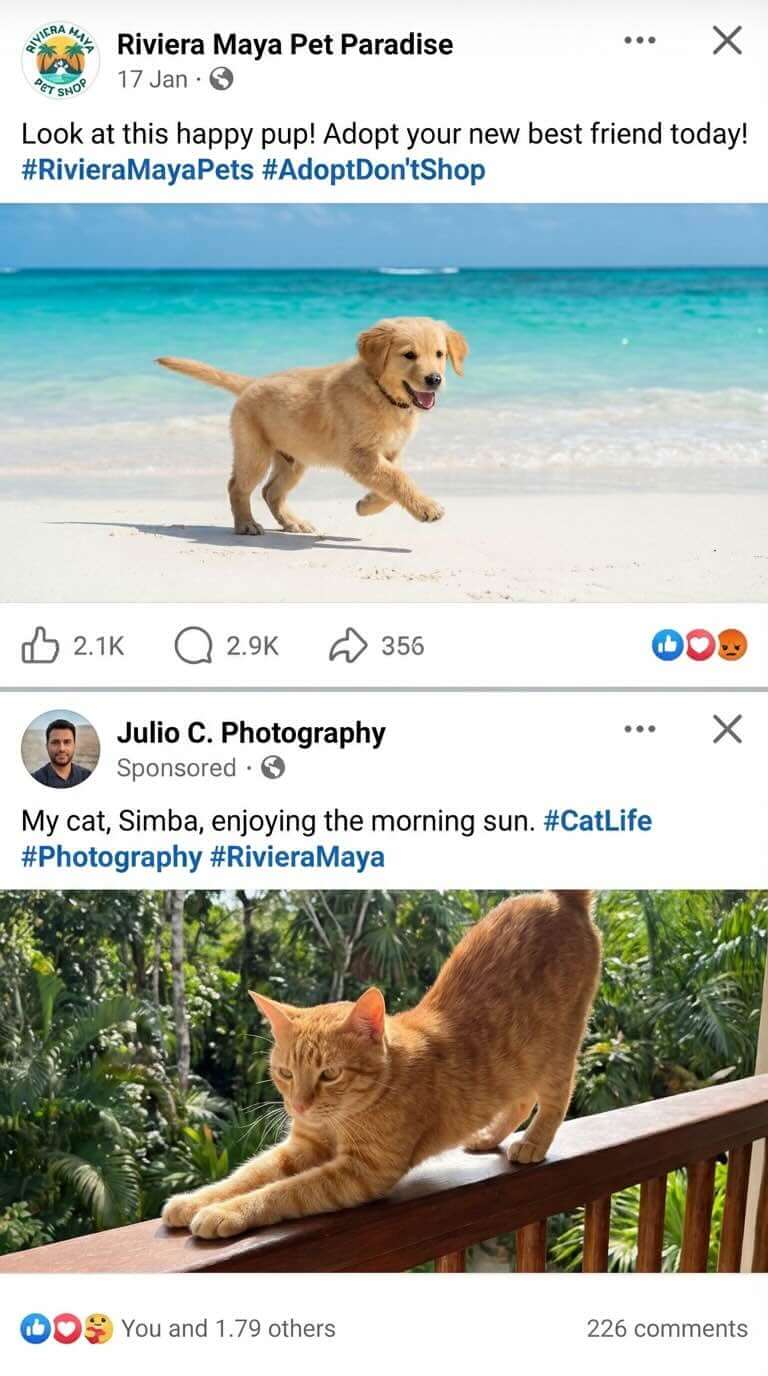
Step 3 – Upload and Animate Using JSON
Upload your edited image to Grok (single frame, no sound). Instead of a regular prompt, use a JavaScript-based JSON script to control the animation.
You can download the JSON script here:
Download JSON Script
You can also paste this script into ChatGPT and explain what animation you want to create. Providing your edited image as a reference will help the system modify the script accordingly.