Last week I asked Claude to build a landing page. I wrote to it like I'd write to a new hire on day one: "start with the logo," waited, "now add a headline," waited again, "now bring in the workout photos." Five rounds later the page wasn't connected to anything, the colors didn't match, and I just deleted the whole thing and started over - this time with one long sentence explaining exactly what I wanted.
Three minutes later I had a full, connected page in the right brand colors. The difference wasn't the model. It was how I talked to it - and that's exactly what these five rules for prompting Opus 5 are about.
The problem: prompting Opus 5 needs a different approach
Most people prompting Opus 5 still work the way they learned on older models: break the task into small steps, wait for approval after each one, and steer the model step by step like it's a new hire who needs close supervision. The problem is that Opus 5 isn't built to work that way. It's built to take in the full picture and plan ahead - and a prompt chopped into pieces just wastes that ability. The result: slower work, inconsistent output, and constant back-and-forth fixes.
The solution: five rules that change the outcome
After a few months of daily work with Opus 5 - mostly building pages, scripts, and content - it all came down to five rules. They're not theoretical, they're what actually works:
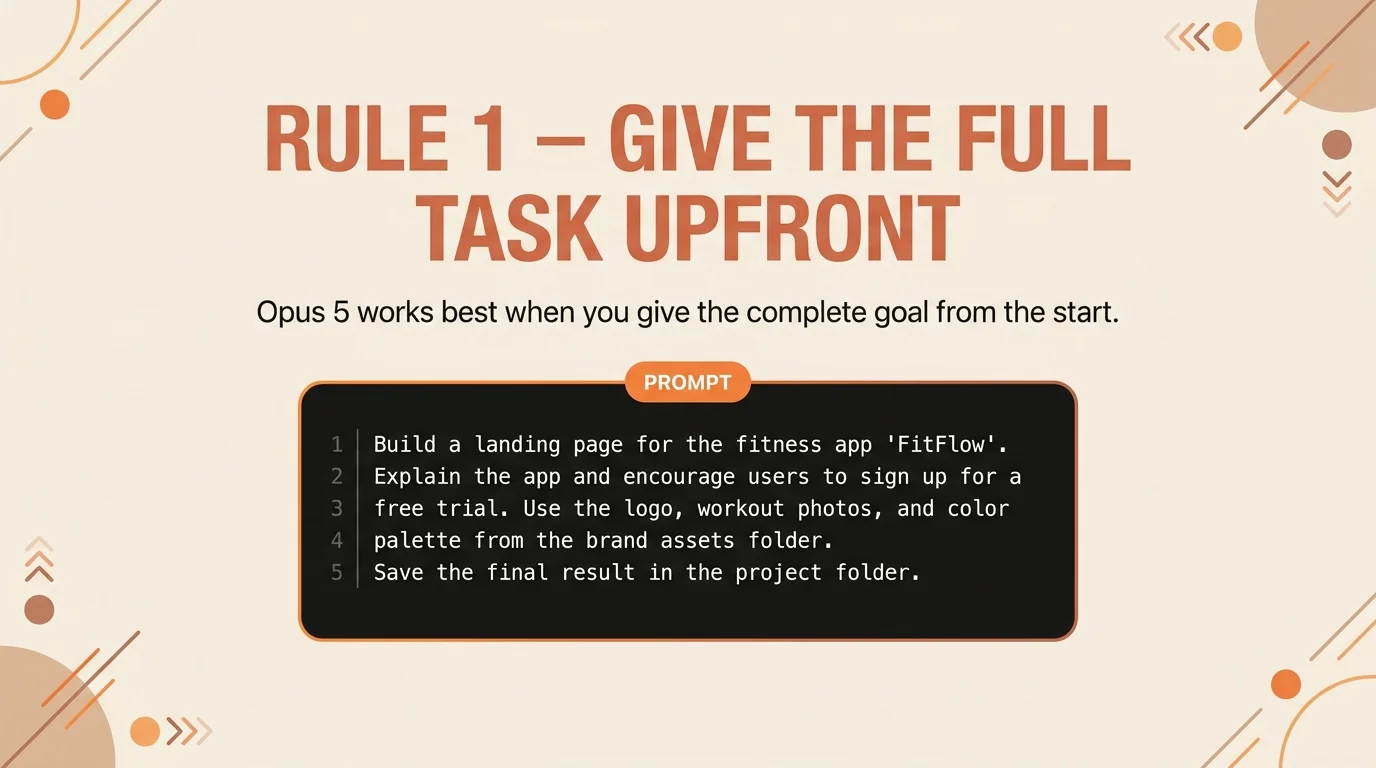
1. Give the full task upfront
Instead of breaking the request into steps, give Opus 5 the whole picture at once: the end goal, the materials available, and where the result should be saved. The model plans ahead better when it sees the full picture from the start, instead of discovering it piece by piece.
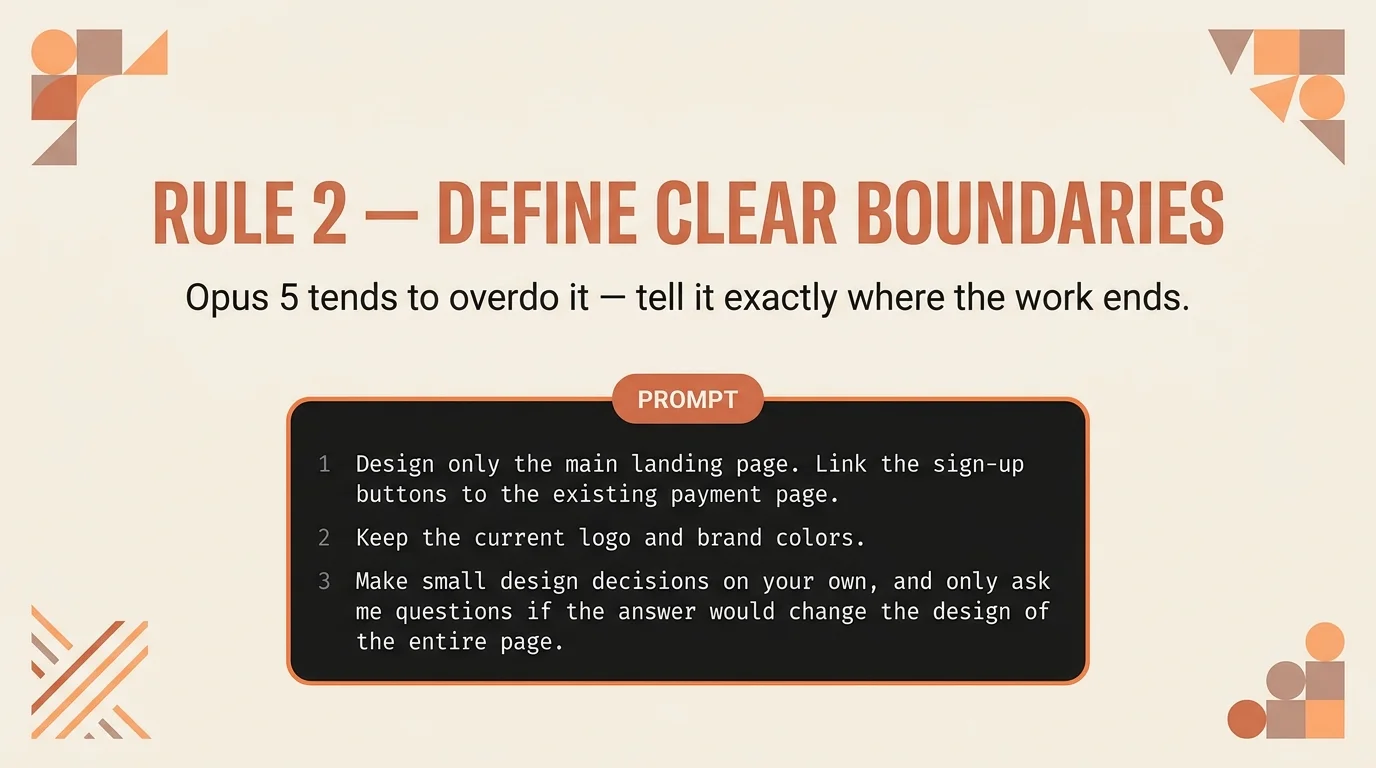
2. Define clear boundaries and when the work ends
Without a defined boundary, Opus 5 tends to "complete" the picture - adding more pages, more links, more ideas that seem logical to it but weren't requested. Explicitly mark what's in scope and what isn't, and give it explicit permission to make small design decisions on its own - so it doesn't stop you with questions about every little detail.
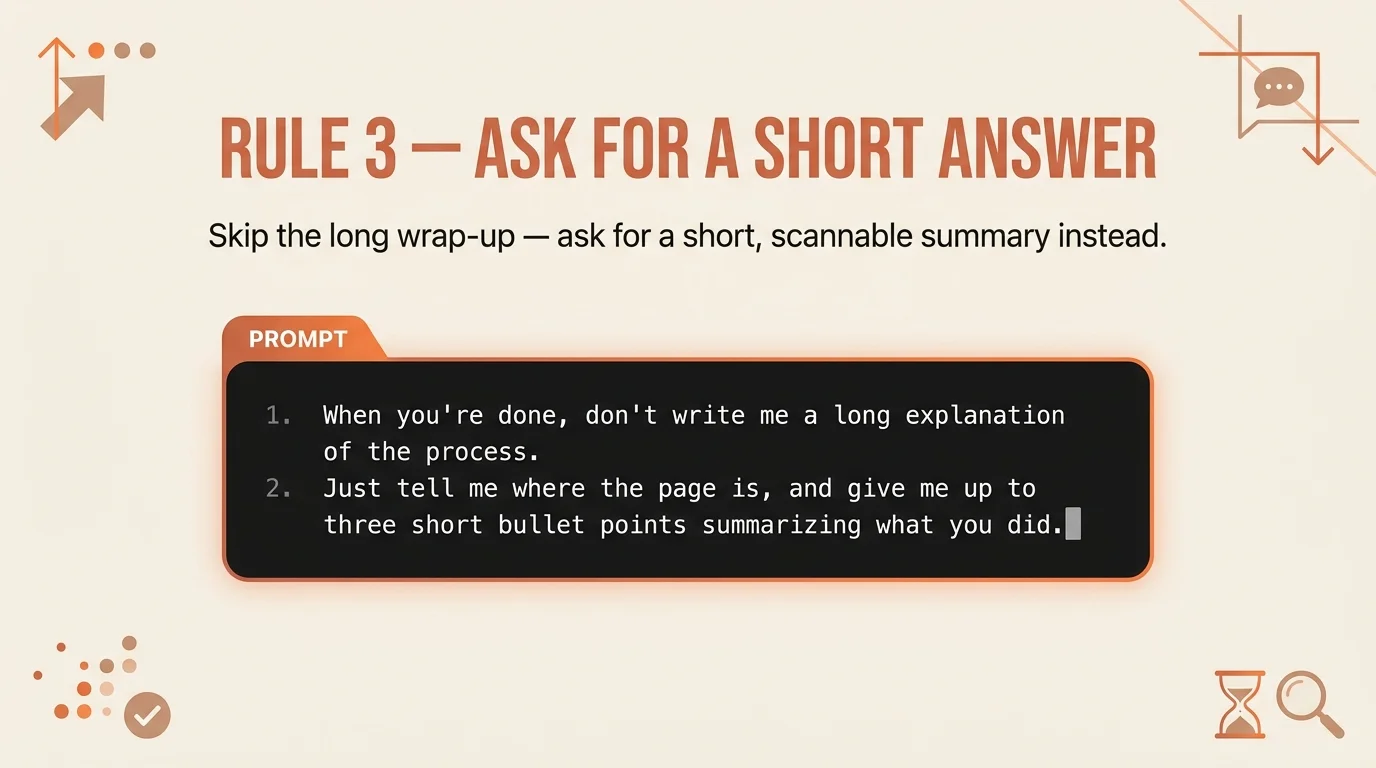
3. Ask for a short summary
Opus 5 tends to summarize what it did in great detail - full paragraphs explaining every step. That wastes reading time without adding real value. Tell it upfront that you only want a short summary, and that's exactly what you'll get.
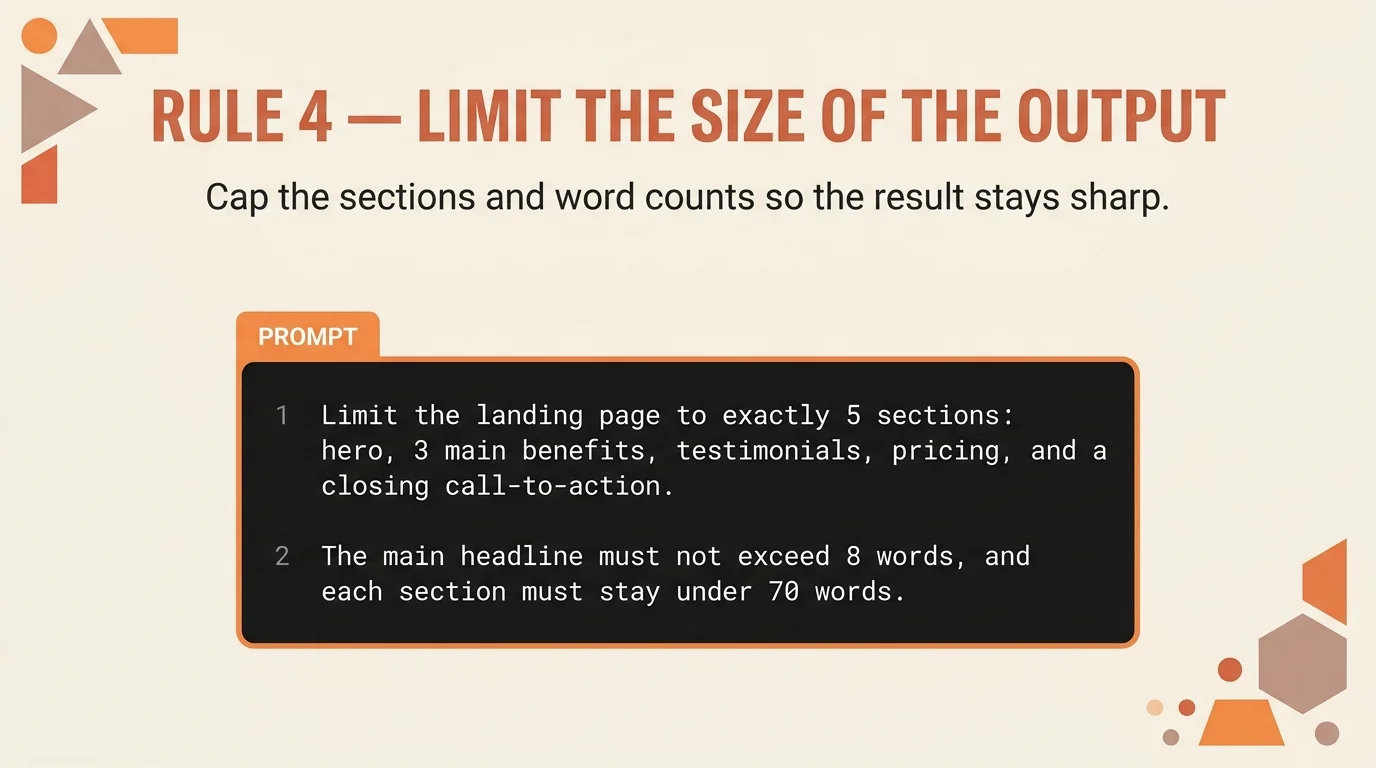
4. Limit the size of the final output
Without a length limit, Opus 5 can decide "more is better" and produce an unusually long page, bloated code, or text that runs way past what's needed. Set a number of sections, a headline length, or simply a reading time - and get a focused result.
5. Don't ask it to review itself
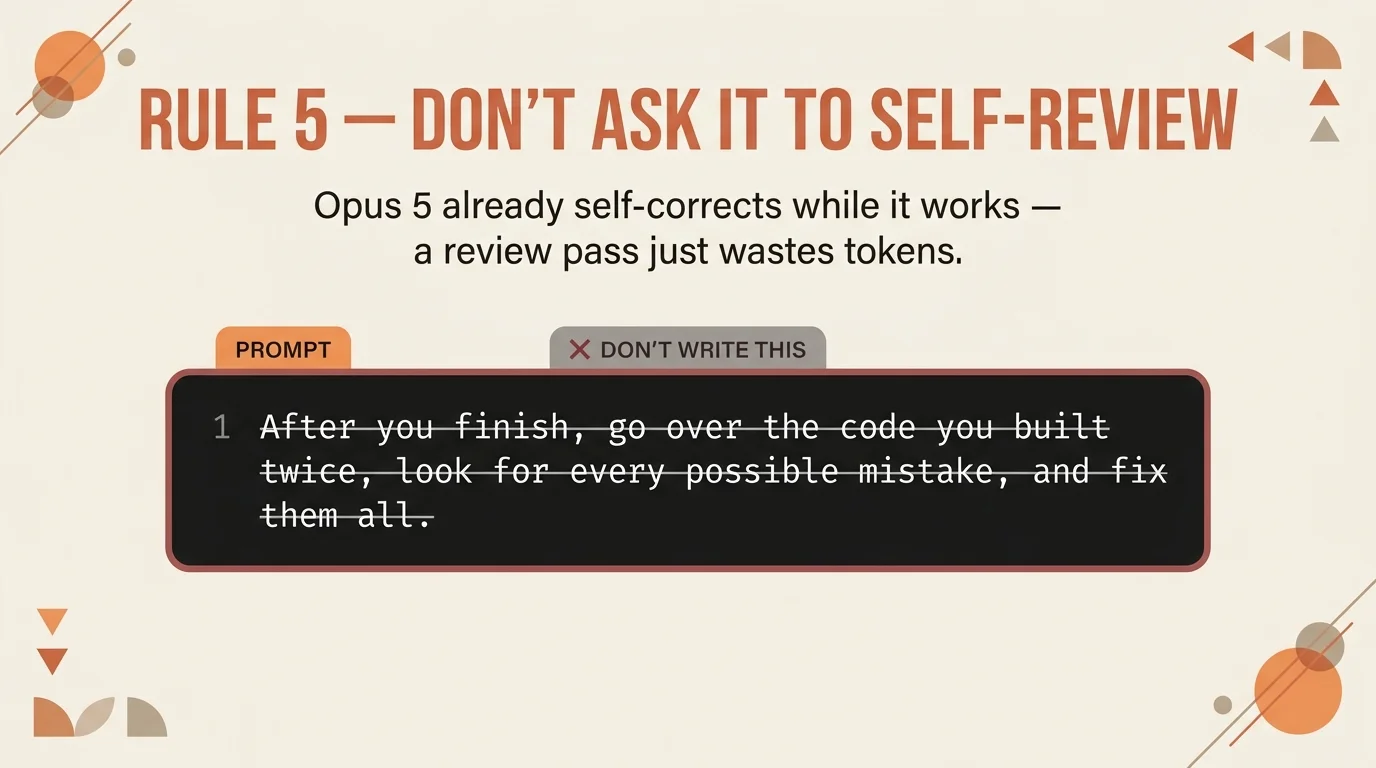
This is the rule that surprises people the most: Opus 5 already corrects itself while it works, as part of its internal process. A separate request to "go over it twice and check for mistakes" doesn't add quality - it just adds time and tokens spent on a pass that already happened.
Why it actually matters
These five rules aren't just "more tips" - they change the entire pace of the work. A complete prompt from the start saves the back-and-forth rounds that eat up the most time. Clear boundaries stop the model from drifting into directions you never asked for. And a short summary, a limited output, and no self-review pass together save reading time and tokens without hurting quality at all. Anyone still working the old "step by step" way on Opus 5 is essentially working against the model, not with it.
In our day-to-day work at Electric Puma we also produce AI video production for business clients, and the exact same rules - a precise prompt, clear boundaries, a limited output - make all the difference there too.
How it works under the hood
The difference comes from how Opus 5 is built to plan. Instead of executing each request as an isolated task, it holds a complete picture of the goal across the whole conversation and corrects itself while it works - not just at the end. When you give it the full context upfront, it can plan the entire sequence at once instead of discovering limitations midway and backtracking. That's why even complex tasks, like building a full page connected to an existing payment flow, can wrap up in a few minutes when the prompt is precise enough - without needing several rounds of back-and-forth.
Bottom line
These five rules don't require any extra tool - just a change in how you write. Give the full task, define boundaries, ask for a short summary, limit the output, and skip the self-review pass. Try it on your next prompt and you'll see the difference in the very first result.
If you want to see how we use Claude beyond a regular chat window - like connecting it directly to a business - check out how we built an AI agent that knows your business using Claude on Telegram.
We have more AI guides like this one on our blog.
Follow us on Instagram for more guides on working smart with AI tools.
You might also like
 How to Create Funny AI Videos with One Prompt