AI Video Pipeline — A Smart Workflow for Efficient and Cost-Effective Production
Whether your daughter is celebrating her Bat Mitzvah and you’ve been looking for an exciting AI video, or perhaps you’re thinking about TikTok from a business perspective – you’re probably a little excited. There’s something very exciting about the moment you reach out to an AI creator and pay for a video. That’s when certain expectations come into play – and you certainly don’t want that to be the moment when a story of disappointment begins. The Purple Dragon Case The client ordered a video where they rode a purple dragon, and imagined something like a Pixar movie. The creator, however, had something in the style of Lord of the Rings in mind. When he proudly delivered the video to the client, he was surprised to find disappointment. After all, he delivered an excellent video featuring the client’s character riding a purple dragon. This is a disappointment for both sides – a situation that can be avoided. Today I want to talk about the workflow I’ve built – one that gives you control and prevents surprises. It’s a multi-step process that helps guide the outcome in the direction you want. Do I always recommend it? Not at all! But if you can afford flexibility – the AI creator will truly express their artistic style in the best possible way. The Client Workflow The following workflow relates to a specific case where the client ordered AI UGC videos with artificial intelligence. It was a large project, and it was clear that a structured approach was needed. But the same workflow can apply to any type of AI video. To ensure an accurate result, an organized workflow, and savings on production costs, we work through clear stages that allow approval at each key point before moving to the next: 1 – Character selection – Defining the character that will lead the video, based on style, target audience, and the desired message. 2 – Environment selection – Adapting the location or visual background to reinforce the atmosphere and message. 3 – Script development – Crafting the script with precision, so the message is clear, effective, and suited to the video’s length. 4 – Voice selection – Matching the character’s voice in terms of personality, tone, and speaking style. 5 – Audio file creation – Producing the voiceover based on the selected text and voice. 6 – Visual scene construction – Integrating the chosen character into the defined environment, in full alignment with the script. 7 – Video clip generation – Producing video material based on the approved visuals and audio. 8 – Final editing and polish – Connecting all elements, final adjustments, pacing, effects, and professional finishing. Why Does Workflow Matter in AI Video Production? Working through organized stages prevents unnecessary revisions in advanced phases, shortens timelines, and enables full control of the process – ultimately saving time, money, and resources while maintaining a quality result and high client satisfaction. I don’t want to get too technical here – we have AI guides on the blog. But here’s a quick technical example that illustrates how unnecessary costs are generated: Currently, the main workflow among AI filmmakers who need a speaking character with a consistent voice involves creating the voice using Eleven Labs or another platform, and generating video by combining voice and image. In terms of AI credits, the cheapest steps are creating the audio track and the image – while video generation is the most expensive stage, especially if using the Seedance 2 model, which has become so popular in the field. If we rushed the production and the client ended up unhappy with the voice, we’d have to go back to voice creation and re-generate the video – adding significant costs that could have been avoided. Sorry if I bored you a little there – but sometimes there are things worth understanding when working with a studio or freelancer on AI video production. Follow Electric Puma on LinkedIn. You might also like Seedance 2 — Working with a Storyboard
Seedance 2 – Working with a Storyboard
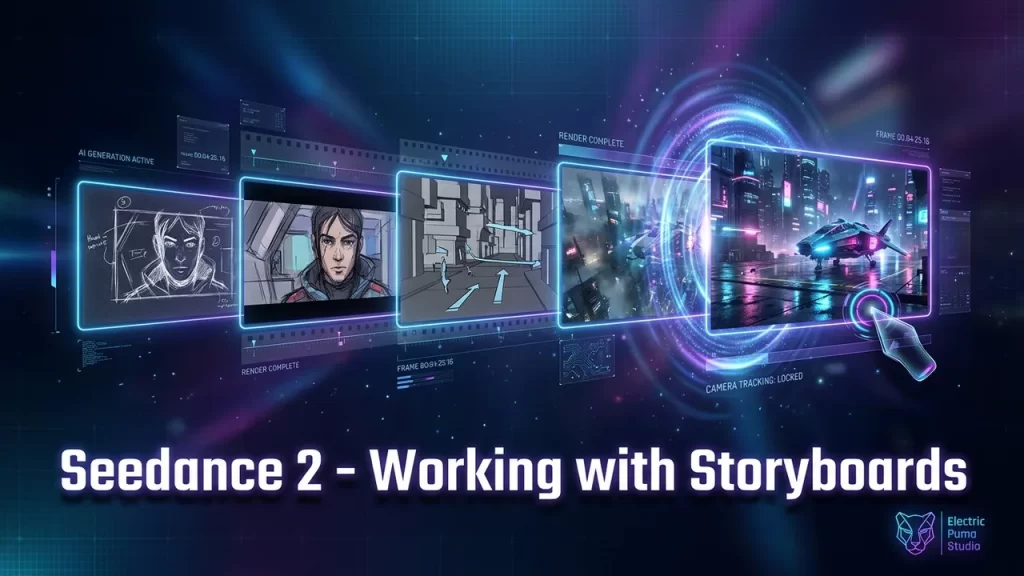
The storyboard is one of the most useful tools in film, television, and advertising. It’s been used for years to plan productions efficiently and precisely — and today, in the age of AI, where we no longer need actors and camera operators, the storyboard turns into a finished video with the click of a button. In this article, I’ll walk you through how to work with a storyboard in the Seedance 2 model — and as always, I’ll give you a real-world example you can apply at home. What Is a Storyboard and Why Does It Matter So Much for AI Creators? In Hebrew it’s called a “story board” — it’s essentially a visual planning document for a production, very similar to a comic book. It lets you illustrate the story itself along with various notes like shooting directions, audio, acting cues, and more. When producing a film or commercial, the storyboard serves as a roadmap that guides the entire production to completion. Traditionally, a storyboard saves a lot of money — the director and the entire production team can see the full flow of the film, shot by shot, identify problems, and make all the changes before the actual production begins. And when a cinematic production can cost tens or even hundreds of millions of dollars, that’s definitely a money-saving tool. A lot has changed in the age of AI. Productions that once required dozens of people and weeks of work with massive budgets have now become something a single person can do with AI — quickly, and on a budget of just a few dollars. But the storyboard still remains relevant and important. As an AI commercial creator, for example, the storyboard is a tool I use to present ideas to clients and get their approval. When my client receives a storyboard, they don’t need to struggle reading a script and trying to imagine it — they see a visual representation and can quickly understand whether it’s the direction they’re looking for. The Storyboard Is the New Prompt I’m not sure what stage you’re at in the world of AI video generation, but when I was starting out, the capabilities were fairly limited. We got the best results by generating very short video clips between two images, and we had to break every scene into small pieces — sometimes a single minute of film required full days of work. The Seedance model changed the rules of the game in many ways, and one of them is its ability to receive a storyboard and produce a video based on it. Not perfect, there are glitches — but a significant improvement in our ability to communicate with the AI and tell it what we want to do. Thanks to this working method, creating AI films has become less of a guessing game and more of a clear plan built on a well-thought-out roadmap. How to Create a Storyboard There are different tools for creating a storyboard, but it seems like we’re converging toward AI systems that simply understand what we want and save us the need to use multiple separate tools. Personally, I built myself an agent that prepares storyboards for me, defined exactly how I want to receive the output, and I did it mainly to communicate with my clients and present ideas to them in a sharp and clear way. When I built that agent, I hadn’t even dreamed of the day I’d be able to feed the storyboard directly into a video generator and get a film back. These days, creating a storyboard is pretty simple — sometimes it’s enough to just tell the chat to create a storyboard without going into too much detail, and you’ll get a decent result. But to avoid surprises, I asked the chat to include the timing of each shot along with a brief description. @liorshubert Film 1 — How I Created the Video: The Storyboard Phase The first step is coming up with the idea — and here I’ll give you some “do as I say, not as I do” advice. My goal wasn’t to create the next big hit. My goal was to test the model’s capabilities and walk you through the production process. The most important thing is storytelling — but for this one, I left that to the AI. That’s totally fine for learning purposes, but anyone who wants to create at a professional level needs to put the emphasis on building the story. We’re heading into a world where AI tools are becoming incredibly easy to use, and soon everyone will be able to create things like this. The only advantage I see that will remain uniquely human is the ability to bring a good story and a compelling narrative. So it’s definitely worth investing in that aspect. But as I said — what I did here is not exactly that. I simply asked the AI to give me an idea for a short video featuring an animal trying to get something, inspired by that creature from the Ice Age films that’s always chasing the acorn. I almost randomly picked one of the ideas, and the next step was to ask the AI to create a storyboard for producing an AI film using Seedance 2. To make it a bit more challenging and interesting, I asked the chat to build a script for a 30-second AI video — because as we know, Seedance’s video model currently generates clips of up to 15 seconds, so we need to split the video into two separate 15-second clips. In the end, because I was a little stingy with the credits (just being honest), I decided to go with 20 seconds. Accordingly, the chat prepared two prompts for me: And the second prompt, which is the continuation: From Storyboard to Video The next step is creating the video in two parts — and this is where another impressive capability of the Seedance video generator shines through: the ability to
Talk to the Doll (how to ai yourself)
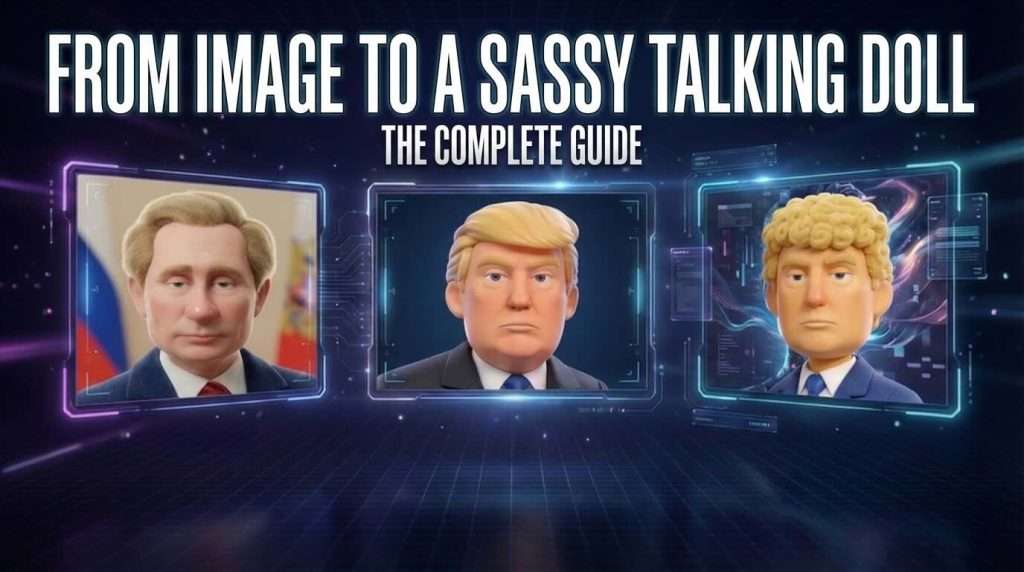
From Image to a Sassy Talking Doll Have you seen all those viral AI videos popping up in your feed lately, making everyone wonder, “How did they do that?” Well… it’s actually way simpler than it looks. Today I’m going to show you a fun, easy technique that anyone can pull off — no need […]
How to Create Viral POV Videos
How to Create Viral POV Videos POV videos are exactly the type of content that’s gaining massive popularity on social media. If you’re aiming for viral content, this is definitely a trend you should be paying attention to. POV stands for Point of View. In our case, it refers to the perspective of animals—or a […]
Creating Viral AI Videos — How to Produce the Colossal Hand Effect
Creating Viral AI Videos — How to Produce the Colossal Hand Effect In this article, I’ll show you how to easily create one of the trending AI video effects currently dominating social media — the colossal hand effect, where a giant hand places iconic landmarks into a scene. I’ll also share practical tips and […]
The Ultimate Cinematic AI Workflow: Higgsfield Soul Cinema vs. Nano Banana
The Ultimate Cinematic AI Workflow: Higgsfield Soul Cinema vs. Nano Banana One of the most essential tools for anyone creating AI films today is Nano Banana — especially with the recent release of Nano Banana 2. It has become a central tool in modern cinematic AI video production pipelines. Its flexibility and creative control have […]
Cool Ai Video in 3 min
How to Create an AI Video in 3 Minutes Turn any image into animated content using 100% free AI tools. The Moment I Realized AI Video Creation Can Be Effortless When I started playing with AI video generators — long before I began using them professionally — I spent a lot of time experimenting with […]
How to Create Social Feed Frame Break Animations
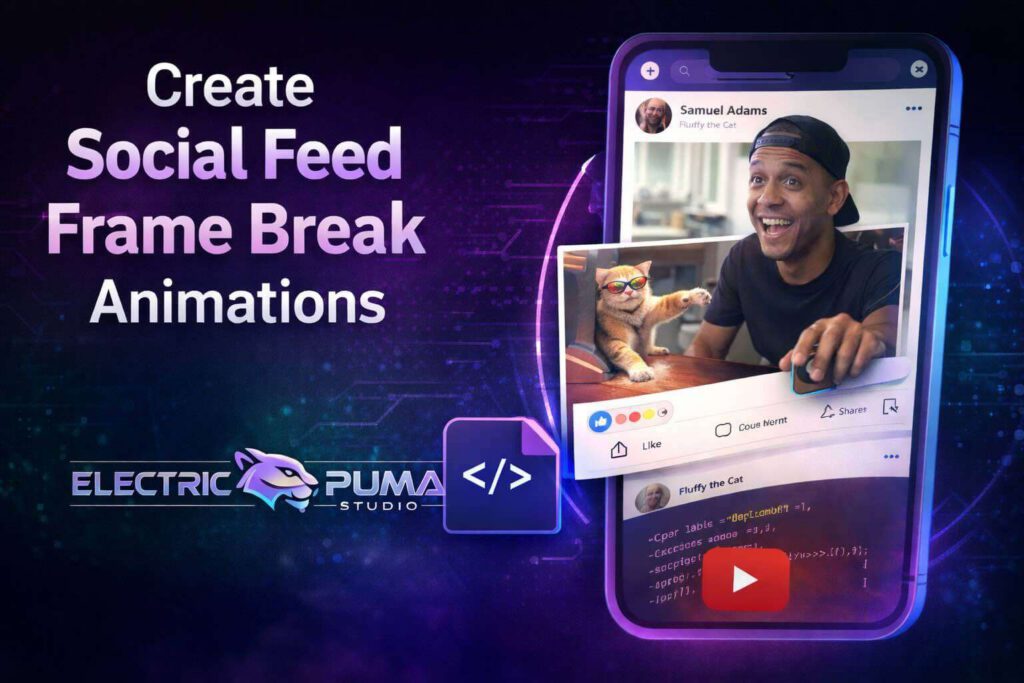
How to Create Social Feed Frame Break Animations Many times I see on social networks those animations that people often ask me about — where an image appears to break out of its own frame and interact directly with the feed itself, like a Facebook post or similar interface. Today, I want to teach you […]